01
Walk one room at a time
Start from the room list so every photo lands in a known place instead of an unfiled camera roll.
Capture belongings with photos, room context, value notes, and the missing details that usually get forgotten after a claim, move, or coverage review.
Free supports 3 rooms and 30 items with Excel export included.
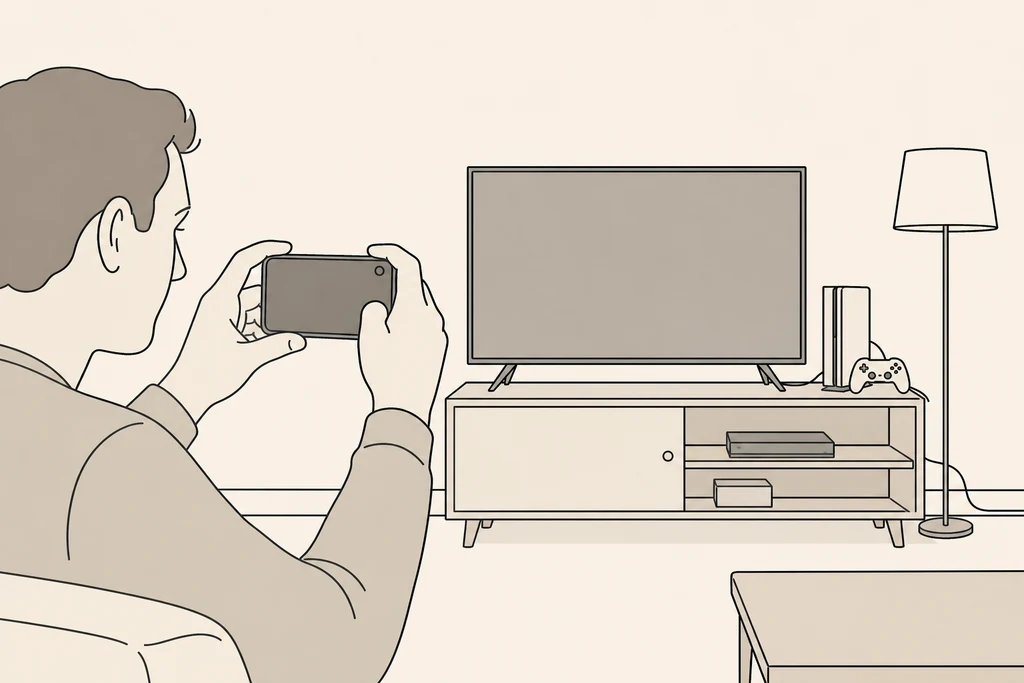
A photo home inventory should capture wide room context, close-up item evidence, brand or model details, serial numbers for electronics, and value notes for expensive belongings. BelongLog keeps each photo attached to a room and item record so the pictures stay searchable and useful when exported.
Start from the room list so every photo lands in a known place instead of an unfiled camera roll.
Add one clear item photo, then use notes for model, serial, condition, receipt, or warranty context.
Coverage prompts keep photo-only records from becoming incomplete when values or key details are missing.