01
Count lived-in spaces
Use rooms, garages, storage areas, and closets as the first pass instead of trying to remember every item.
- Bedrooms
- Living spaces
- Kitchen
- Garage or storage
Estimate personal property and home contents replacement cost by room, high-value items, and a practical buffer before reviewing coverage.
This is an estimate, not insurance advice. File item values for a stronger coverage review.
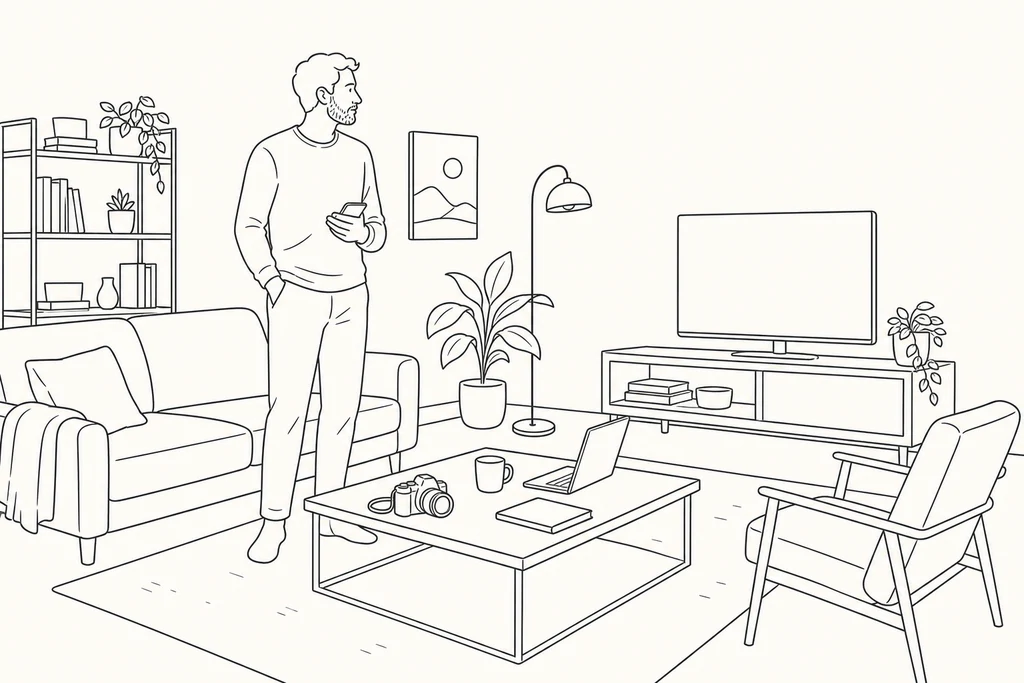
A practical replacement cost estimate starts with room-by-room belongings, adds high-value items separately, then includes a buffer for missed items, price changes, and taxes. BelongLog turns that rough estimate into filed room and item values that can support exports and coverage analysis.
Use conservative room averages and separate high-value belongings so the estimate does not hide the items most likely to affect coverage.
Use this number to start a coverage conversation, then replace assumptions with filed item values in BelongLog.
Use rooms, garages, storage areas, and closets as the first pass instead of trying to remember every item.
Apply a realistic average replacement value per room, then refine later with actual item records.
Laptops, cameras, jewelry, instruments, tools, and collectibles can distort a room average.
Use the estimate as a coverage prompt, then file actual values before relying on a report.
The calculator is useful for a first conversation. The app is where the estimate becomes rooms, photos, values, and exportable records.